
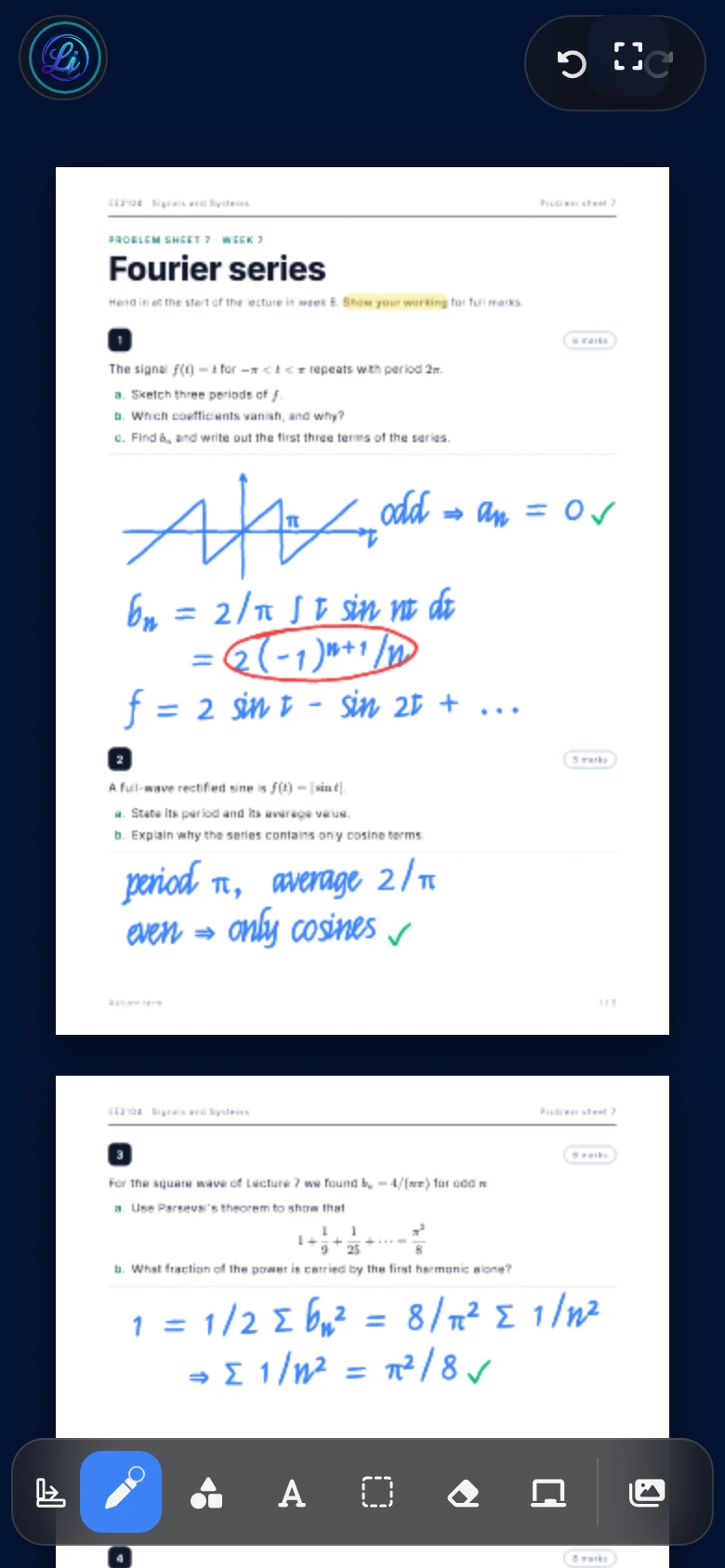
Windows
Pen and touch on Surface and other 2-in-1 devices. Opens PDFs and Office files straight from Explorer.
Open a PDF, a slide deck or a blank whiteboard and write on it as naturally as on paper. Lecturer Ink Studio runs on Windows, macOS, iPhone, iPad and Android with a single licence.
Cross-platform
Prepare at your desk, annotate in the lecture hall, revise on the train. Your tools, pens and colours look and behave the same everywhere.
Pen and touch on Surface and other 2-in-1 devices. Opens PDFs and Office files straight from Explorer.
A native app for the lecture theatre Mac or your own laptop, with the same tools and shortcuts.
Write with a stylus on the tablet, check your notes on the phone. The layout adapts to both.
Built for tablets with a stylus, including support for the S Pen side button.
Features
Each tool is here because it earns its place in a two-hour lecture.
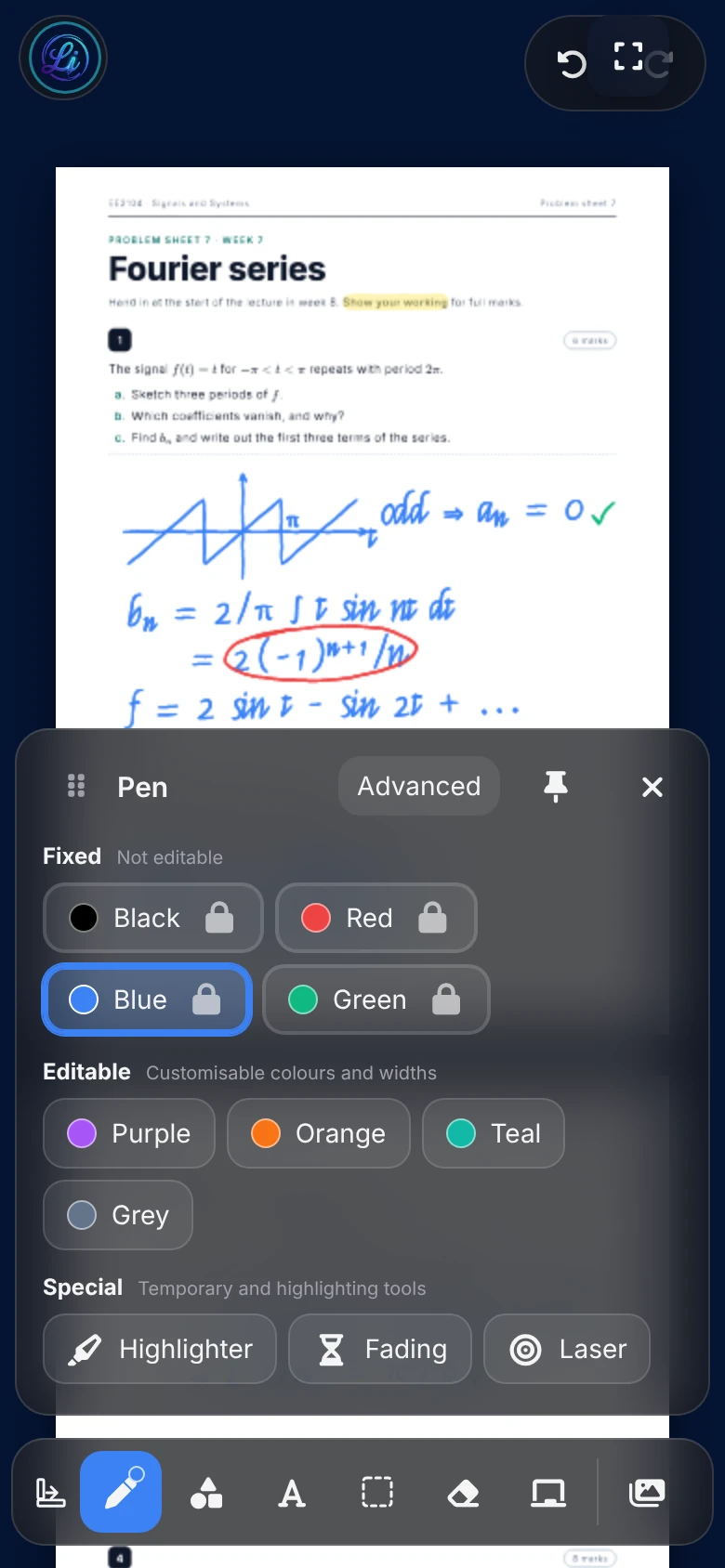
Pressure-sensitive strokes with adjustable smoothing take the jitter out of stylus input while keeping the corners you meant to draw.
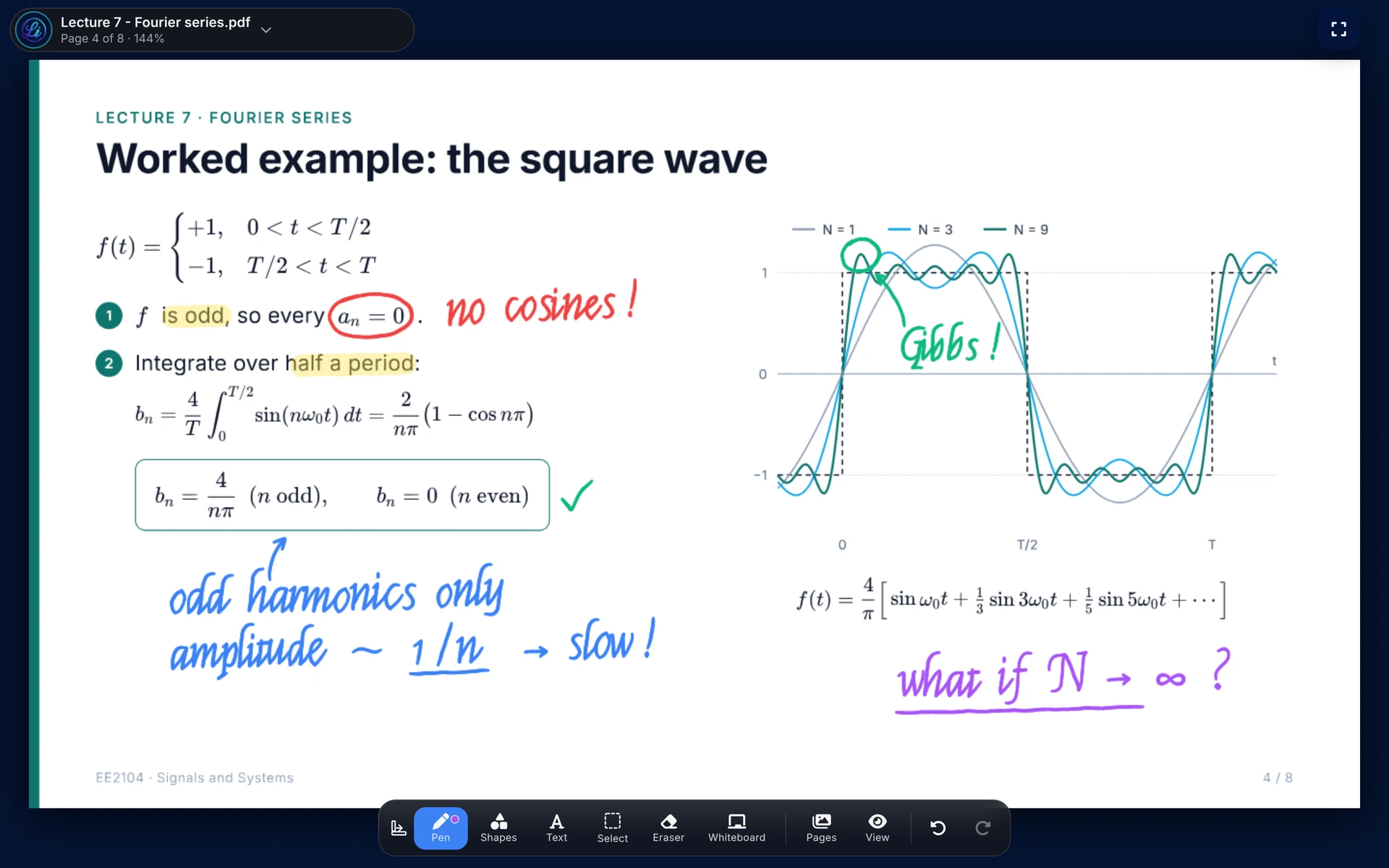
Open PDFs, Word documents, PowerPoint decks, spreadsheets and images. No converting first.
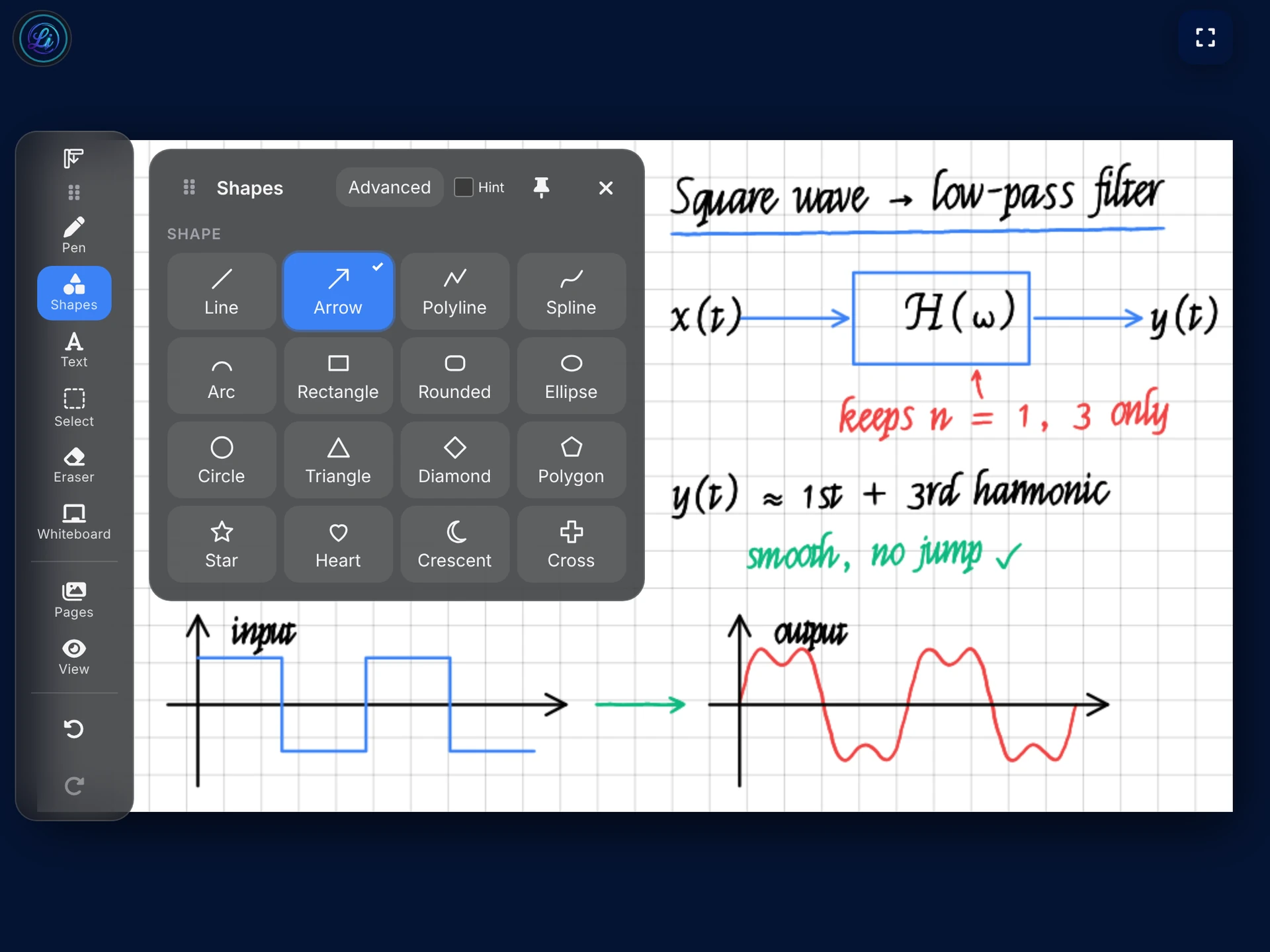
Drop a blank page anywhere in a document to work through an example, sized to match the page or set to A4, 16:9 or 4:3.
A laser pointer, ink that fades on its own, a highlighter and a focus mode that clears everything but the page.
Lines, arrows that snap to 0°, 45° and 90°, rectangles, splines and text. Straighten a stroke when you want it neat.
Turn a session into structured notes with Claude, ChatGPT, Gemini or Grok. Your API key stays on your own device.
Save an annotated PDF for your students, a PNG of a single page, or an editable project file to pick up later.
The library lives on your own machine. Nothing is uploaded to us, which keeps unpublished material and student work private.
One interface
The page fills the screen and the tools float above it. On a phone they tuck into a bottom bar, on a tablet or desktop they dock wherever your hand is not.
Who it is for
Annotate as you speak, add a whiteboard for the worked example, then export the marked-up PDF for the class.
Individual plansStudentsWrite directly on lecture PDFs and summarise a session before the exam. Free for a year with a university email.
Academic offerDepartments and institutionsBuy seats, hand them out by email and take them back when someone leaves. One invoice for finance.
Enterprise seatsPricing
Pay yearly, pay once, or buy seats for your team. Prices are in pounds sterling and exclude VAT.
For one person, on all of their devices.
£29per year
Or pay £79 once and never renew.
Buy seats and hand them out by email.
Seats
£20per seat, per year
Card payment by Stripe, available in the United Kingdom
For university staff and students.
£0for 12 months
Every feature, no card. Verified by your university email address.
Sign up with an address ending in .edu or .ac.uk and every feature is unlocked for 12 months. No card needed.
Questions
Yes. An individual licence works on Windows, macOS, iPhone, iPad and Android, and can be active on up to 3 devices at once. You can remove an old device from your account at any time to free a slot.
Annual is billed once a year and includes every update while it is active. Lifetime is a single payment with no renewal, and it includes future updates too.
You choose how many seats to buy, then assign each one to a colleague by email from your dashboard. If someone leaves, withdraw the seat and give it to someone else. Seats can be added at any point in the year.
Staff and students who sign up with a university email address. The licence is activated as soon as the address is confirmed, and no card is needed.
In a library on your own device. Your files and ink are not uploaded to our servers. AI summaries are optional and use your own key with the provider you choose.
Card payments are handled by Stripe and are currently available in the United Kingdom. A VAT invoice is added to your dashboard as a PDF after each payment.
Something else? Write to support@example.com
Install Lecturer Ink Studio on the device you teach with and sign in on the rest when you are ready.